What is an online photo booth? Taking a photo strip together from two places
Two people, two webcams, one photo strip with the backgrounds removed — how an online photo booth works, the steps, and how it differs from a video-call screenshot.

You want a photo booth strip together, but one of you is in Seoul and the other in London — or just two cities apart. An online photo booth lets two people stand in front of their own webcams, in different places, and come out in one photo strip with the backgrounds removed. It is not a screenshot of a video call: the result looks like you were standing in the same booth.
How does it work?
Three pieces. ① Your camera streams go directly to each other, not through a server (the same way a video call works). ② On each screen, AI removes the background in real time and keeps only the person. ③ Both people are placed side by side on one studio backdrop. Because you see each other live, you can adjust position and size — shoulder to shoulder, or a half heart each that meets in the middle.
Taking the photos, step by step
- Open a booth and send the link. The other person taps it and lands in the same booth — no app to install, no account for the invited side.
- Both stand at your cameras, then shoot. Backgrounds vanish and you appear side by side. Pick a studio backdrop (white, pastel and more) and a filter, then take six shots on a countdown. About a minute in total.
- Each of you picks four favorites out of six. If your picks differ, shots you both chose go in first. Not happy? Retake.
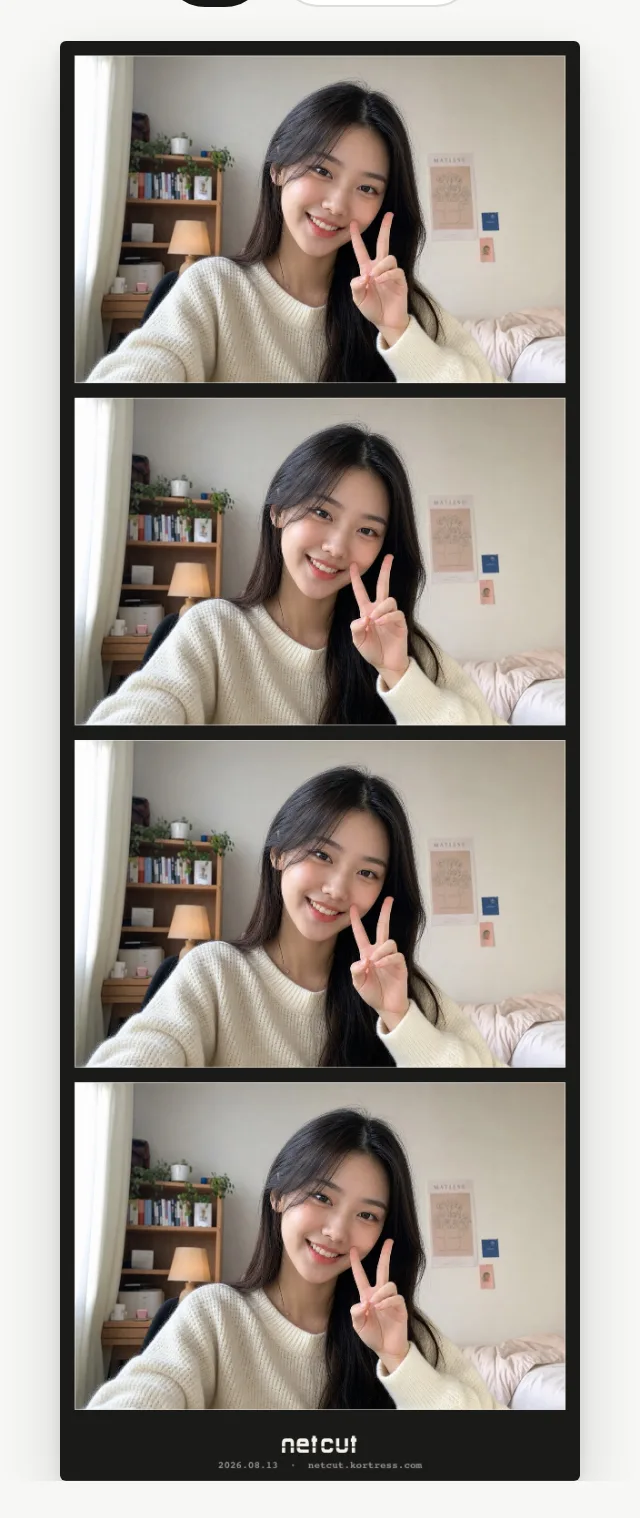
- Your photo strip is ready. Choose a frame color, doodle on it together, download it or keep it in your album. You can also get a behind-the-scenes clip of the shoot.
How is this different from a video-call screenshot?
| Video-call screenshot | Online photo booth | |
|---|---|---|
| Background | Each room stays visible | Removed — one shared studio backdrop |
| Composition | Split screen, visibly apart | One frame, as if standing together |
| What you get | A single screenshot | A photo strip plus a behind-the-scenes clip |
| Posing | Separately | Live, together — half hearts, an arm on a shoulder |
It is a composite, so it will not be identical to standing next to each other. The difference is that you keep one photo taken together, not two photos taken at the same time.
What does it cost?
Shooting, previewing the six shots and downloading are free. Solo booths are free end to end. Credits are only used when two people confirm a strip together — the credits you get at sign-up cover the first one. Details on the pricing page.
Three tips for a good strip
- Face the light. Light from the front makes the background removal cleanest.
- Keep the background simple. A busy room makes the edges harder — a plain wall is best.
- Call the pose. Voice is on inside the booth, so “hearts on the next one” is all it takes.
Common questions
- Do I need to install an app?
- No. Any browser with a camera works — phone or laptop.
- Is the video stored anywhere?
- No. Video and audio go only between the two of you and are never stored on a server. The finished photo is kept only if you choose to save it, and a strip taken by two people is saved only when both agree.
- Can I use it alone?
- Yes. Solo booths are free from shooting to download.